
Table of Contents
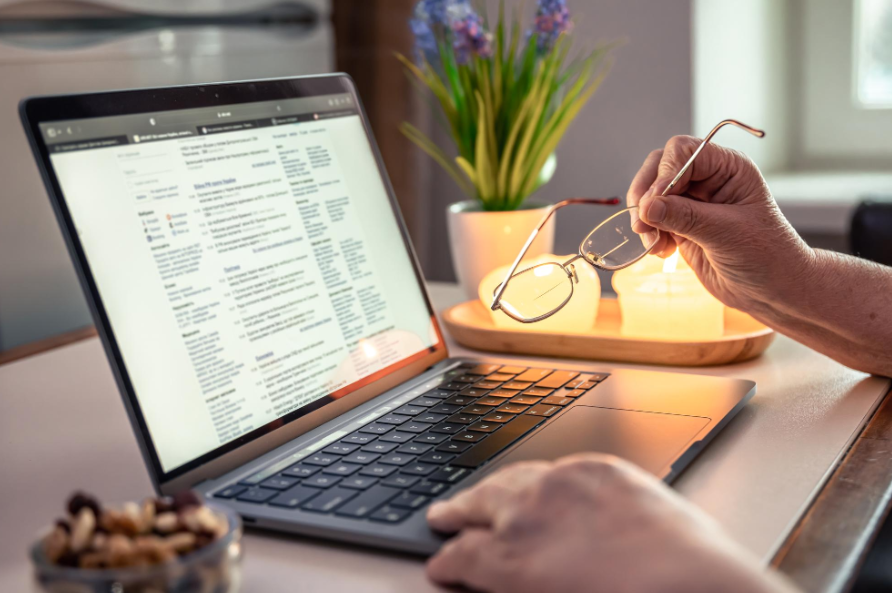
You can pay your VAT bill online to HMRC in several ways, but each one takes a different time to clear. Getting your VAT (Value Added Tax) sorted and paid within the deadline can take up valuable time for business owners in the United Kingdom. However, paying your VAT bill online is one of the quickest and most efficient ways to meet your tax obligations to HMRC.
The Making Tax Digital (MTD) for VAT portal is an initiative by HMRC designed to make VAT payments faster and more secure. It helps ensure you pay on time and avoid late payment penalties. It also means your payments are updated more quickly for your clients and suppliers to see.
By keeping digital records, you can easily monitor how much VAT you owe, your due dates, the amounts you’ve already paid, and other key information.
HMRC offers several ways to pay your VAT bill.
In this guide, we’ll walk you through the step-by-step process of how to pay your VAT bill online, explore the different payment options available, and highlight important deadlines you should keep in mind.
How To Pay VAT?
You can pay your VAT bill using a few different methods – in person, via telephone banking, or online. These days, in-person payments are quite rare. Below are more details on telephone banking and the more commonly used online payment methods.
- In-Person Payment
To pay VAT in person, you must first request HMRC paying-in slips. Make sure to order these at least six weeks before you plan to make the payment. You can order them online or by calling HMRC.
Once you have the paying-in slips, you can make the payment at your bank or building society. Payments can be done by cash, cheque, or by using a paying-in slip.
If you’re paying by cheque, make it payable to ‘HM Revenue and Customs only’ and mention your VAT registration number on the back. Bear in mind that it can take up to three working days for the bank to process and clear the cheque.
- Standing Order
If you’re on the Annual Accounting Scheme or making Payments on Account, you may use a standing order. This method also takes about three working days to process.
To set it up, you’ll need to complete Form VAT 622, or you can arrange it via your bank using online or telephone banking. Once it’s set, the payments will be made automatically according to your agreed schedule.
- Direct Debit
Paying VAT by Direct Debit is another popular option. You can set this up through your online VAT account. However, it must be done at least three working days prior to your first payment due date.
After the first payment is made, the amount due will be automatically collected from your bank account each time a VAT payment is required, as long as the Direct Debit (DD) remains active.
Is It Possible to Pay Your VAT Return Over the Phone?
No, you cannot pay your VAT bill directly over the phone by calling HMRC. HMRC does not accept payments this way. However, you can use your bank’s telephone banking service to make the payment if they offer that option.
If you need help or have questions about your VAT return, you can contact HMRC’s VAT helpline.
Please note: Even when calling HMRC for support, you cannot make a payment during the call. Please ensure you have your VAT registration number and postcode ready before calling, as this will enable the advisor to assist you more efficiently.
What Are the Online Payment Methods?
There are many ways to pay your VAT bill digitally:
1. Debit or Credit Card
Before making the payment, keep your card details ready. Here’s what you should know:
- Personal credit cards are not accepted
- Personal debit cards can be used with no additional fees.
- Corporate debit cards incur a non-refundable fee (effective from 1 November 2020)
- Corporate credit cards also incur a non-refundable fee.
2. Online Banking
Online banking is a preferred method because payments typically arrive the same day or the next working day, depending on the system used:
- CHAPS (Clearing House Automated Payment System)
It is a real-time, bank-to-bank transfer system. If the payment is made before your bank’s cut-off time, it will usually clear on the same day. - Bacs (Bankers’ Automated Clearing Services)
This system is slower and takes up to three working days for the payment to be processed.
Important Note
Make sure to accept all cookies on the HMRC website when making a payment. This ensures the payment process goes smoothly and allows you to submit your VAT return electronically without issues.
HMRC’s VAT Bank Details
Whether you are using CHAPS or Bacs, the following bank details of the VAT account of HMRC will be required –
- Payments made from within the UK
Account name: HMRC VAT
Account number: 11963155
Sort code: 08 32 00
- Payments made from abroad
Account name: HMRC VAT
Account number (IBAN): GB36BARC20051773152391
Bank Identifier Code (BIC): BARCGB22
The banking postal address of HMRC is –
Barclays Bank PLC
1 Churchill Place
London
United Kingdom
E14 5HP
What Happens If Your VAT Payment Isn’t Cleared on Time?
If your VAT payment doesn’t clear into HMRC’s bank account by the deadline, it’s considered a ‘default’. This means your account enters a surcharge period that lasts for at least 12 months. Any further defaults during this time can result in financial penalties, even if you’re only a day late.
Also, it’s important to note that late filing of your VAT return is treated as a default as well — not just late payment.
How to Avoid a Default (Especially Close to the Deadline)
If you’re within three working days of your VAT payment deadline, HMRC recommends using one of the following faster payment methods to avoid a default:
- Direct Debit
- Online payment using a corporate credit card or personal debit card
- Bacs transfer
- Standing order (if you’re on the Annual Accounting Scheme or Payments on Account)
- In-person at your bank or building society
When you need the payment to clear by the next business day, the fastest options are:
- Online banking via CHAPS
- Telephone banking using CHAPS
These methods usually process the same day, as long as the payment is made within your bank’s cut-off time.
Mind the Working Days
Always remember: weekends and bank holidays don’t count as working days. If your VAT payment deadline falls on a non-working day, your payment must clear before that date to avoid penalties. That means if your deadline is on a Sunday, your payment needs to go through by Friday at the latest (unless that Friday is a holiday too).
Find Out Your Exact VAT Payment Deadline
To avoid any confusion, HMRC provides a VAT payment deadline calculator. Here’s how to use it:
- Enter the end date of your accounting period.
- Select your payment method.
- The tool will show your exact payment due date and the date the payment must clear with HMRC.
Waiting for Payment to Show Up?
If you’ve already paid on time, it can take up to 48 hours for your payment to show in your VAT account. So don’t panic if it’s not visible immediately — just make sure you’ve met the deadline for processing.
Need Help Staying On Top of VAT Payments? Contact Cangaf Accountants
Avoid defaults, penalties, and late fees by staying ahead of your VAT payment schedule. If you need help calculating deadlines, choosing the right payment method, or simply staying organised, speak to the team at Cangaf Accountants today.
Further reading and official guidance
More guides and tools from our team:
Official guidance from HMRC and GOV.UK: